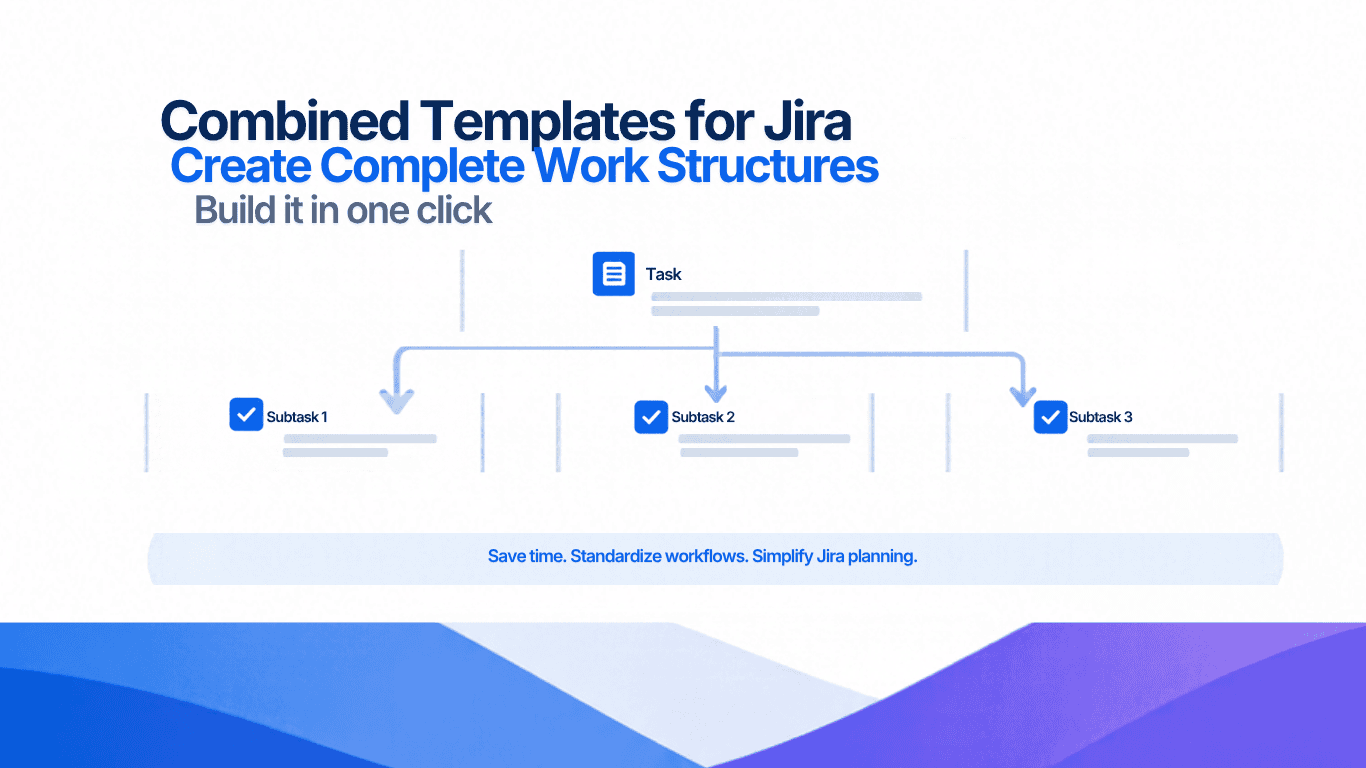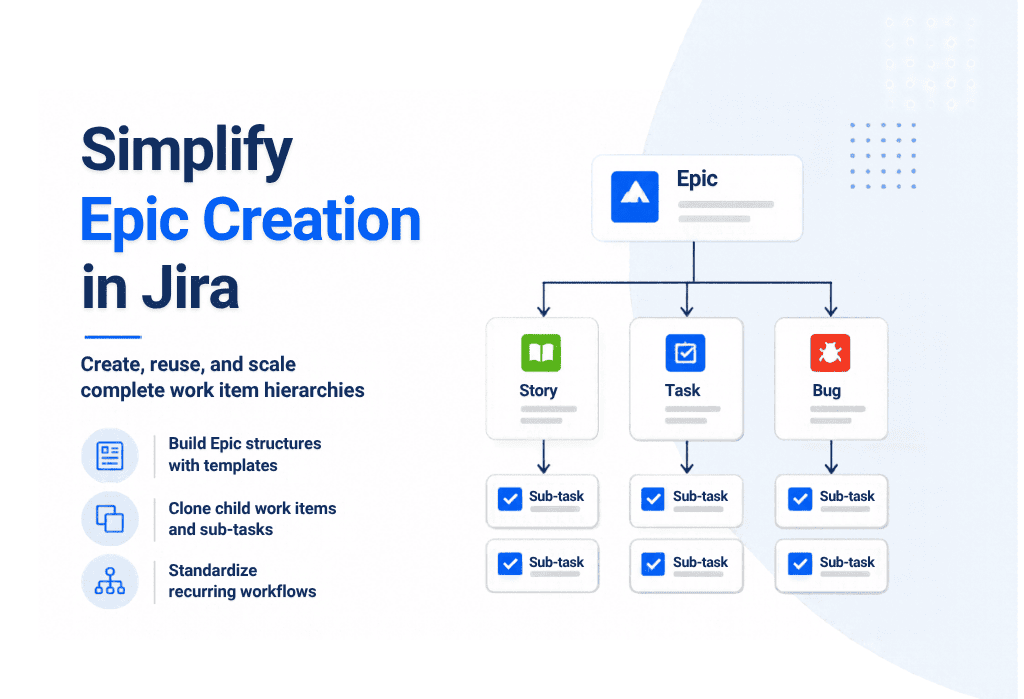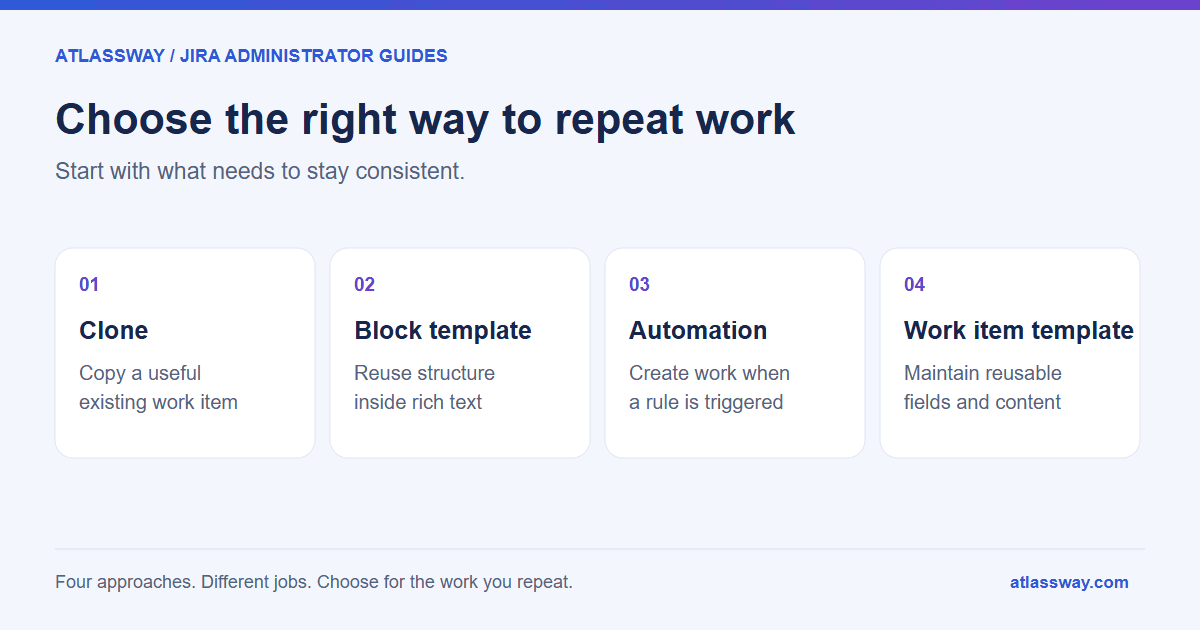
Use cloning when an existing Jira work item is a good starting point for a one-off copy. Use automation when a date or event should create the work. Use a reusable work item template when people need to choose an approved starting structure each time they create a task, bug, or story.
These approaches can work together. The useful distinction is who decides when the work starts, and where you maintain the instructions and field values.
For Jira Cloud administrators, there is a fourth option worth separating: native block templates. They help you reuse content inside a description. A reusable description and a template that pre-fills several work item fields solve different problems.
Compare the options by the job they do
| Approach | Good starting use case | What to maintain | Check before using it |
|---|---|---|---|
| Native cloning | Create one task similar to an existing task | The source work item and its current contents | Old names, dates, assignments, and selected copy options |
| Native block templates | Reuse a checklist, table, or description section | The reusable content structure | Whether you also need values outside the description |
| Jira automation | Create work after an event or on a schedule | Trigger, conditions, actions, actor, and failure handling | Duplicate creation, required fields, permissions, and usage limits |
| Advanced Work Item Templates for Jira | Let people select a maintained template for a project and work type | Template fields, scope and administrator-managed permissions | Required fields and who can change the shared template |
Start with the smallest approach that covers the task. A team copying an occasional bug report may only need cloning. A support operation creating the same structured work every day has more to gain from a maintained template library.
Cloning works best when the source is worth copying
In Jira Cloud, open the work item and choose More actions → Clone, then review the summary, people, and available inclusion options. Atlassian documents which information can be included in its cloning instructions. The cloned work item is separate from the original.
The practical risk is copying yesterday’s context into today’s task. A previous onboarding request might contain a former employee’s name, a completed approval, or a date that no longer makes sense. Review the resulting item before assigning it.
For occasional copying, that review may be a reasonable cost. If every copy needs the same cleanup, write down which fields should be stable and which should be entered for each request. That list becomes the specification for a template.
Native block templates cover reusable description content
Jira’s block templates insert reusable content into work item descriptions. You can browse them through the editor’s insert controls or slash menu. Each inserted copy can be edited independently.
A useful example is a bug-description structure with sections for reproduction steps, expected behavior, actual behavior, and environment. If that is the whole requirement, start there.
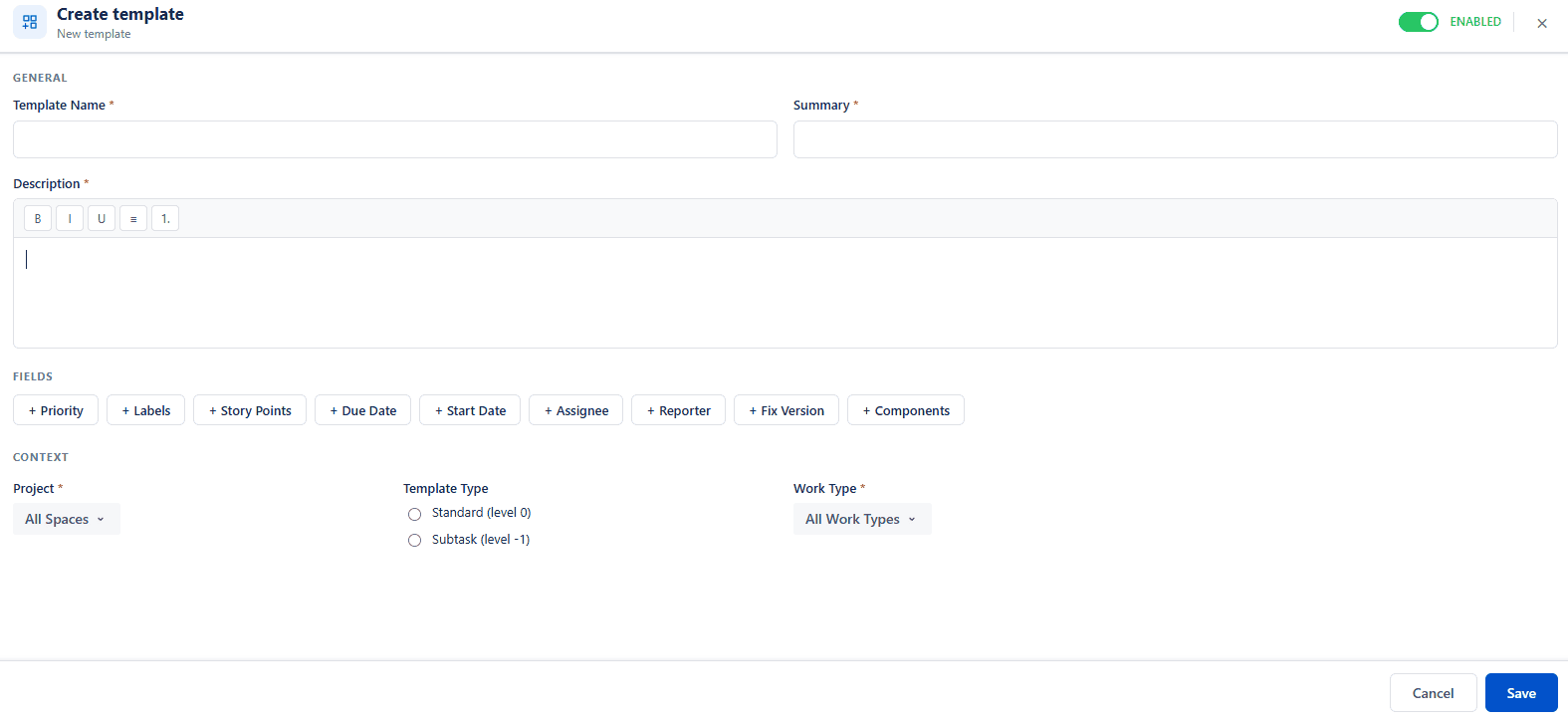
When your standard also includes the priority, labels, story points, due and start dates, assignee, reporter, fix version or components, assess a whole-work-item template. Do not assume a description block will populate those fields.
Automation decides when work should be created
Automation is a strong fit for a recurring monthly review or for work that should follow another event. A basic design combines a scheduled or event-based trigger, any required conditions, and a Create work item action. Atlassian documents the available triggers and actions.
Treat the rule as something a named administrator maintains. Decide what prevents duplicate tasks, what happens if a required field changes, and who checks failures. A scheduled rule can keep creating the wrong task just as consistently as it creates the right one.
Test it in a limited scope, inspect the created work item, and check the audit log. A successful execution deserves a content check too: the right project with the wrong assignee still creates work for someone to fix.
A worked onboarding example
Consider an illustrative task called “Prepare access for a new starter.” Every request needs the same three prompts: systems required, approving manager, and completion checks. The starter’s name and start date change each time.
With cloning, the requester copies a previous task and replaces the person-specific information. With a block template, they insert the three prompts into a fresh description and fill the other fields themselves. With automation, a defined trigger creates the task and supplies values configured in the rule. With a work item template, the requester selects the maintained starting structure and completes the variable details.
Evaluate the result with the same checks in every case:
- Does the task land in the intended project and work type?
- Are all three prompts present and understandable?
- Has any previous starter’s information carried over?
- Are dates and assignments correct for this request?
- Can the person responsible update the standard without changing unrelated work?
This is a test scenario you can reproduce, rather than a claim that one approach is faster in every Jira setup. Time your own process only after the outputs meet the same standard.
Build a maintained template library with Atlassway
Advanced Work Item Templates for Jira lets you define reusable field values and scope templates to projects and work types. The default template for the selected project and work type is applied automatically, and people can switch to any other template that applies there. As of October 2026 a template can also create structure: from an Epic, generate child work items from templates; from a Bug, Task or Story, generate sub-tasks, choosing one or more templates and a quantity for each. The same menu clones an existing work item with its links and sub-tasks. You can start with a reference template or create your own. The documentation explains the supported fields and setup, and the child work item and sub-task guide covers the generated structure.
There is no per-template owner yet: a Jira administrator grants users and groups the rights to create, edit, delete and duplicate templates and to view their statistics. Use those template permissions to decide who may change a shared template, and review the usage statistics to see whether people are using the intended starting points. Owner-managed sharing is on the app’s roadmap.
Explore Advanced Work Item Templates on the Atlassian Marketplace. It is a paid app sold through the Marketplace. Start with one repeated task, agree on the required output, and turn that standard into a template your team can reuse.