Colored Time in Status for Jira
- Built with Atlassian's new Forge development platform for maximum speed and security
- No data ever leaves your Jira instance
- Free for up to 10 users
Stop Guessing Where Work Gets Stuck. See It Instantly. Track time in status, spot bottlenecks at a glance, and unlock over 20 powerful Jira reports — all in one smart page.
Colored Time in Status for Jira
Your team deserves clarity, not spreadsheets. Colored Time in Status shows exactly how work moves — or stalls — across your Jira workflow.
Let’s Discover Our Colored Time In Status in just 60 seconds !
Why Colored Time In Status
Teams waste hours digging into Jira reports trying to answer simple questions:
- “Where is work getting delayed?”
- “Which assignee or status takes the longest?”
-
“What’s our true cycle time?”
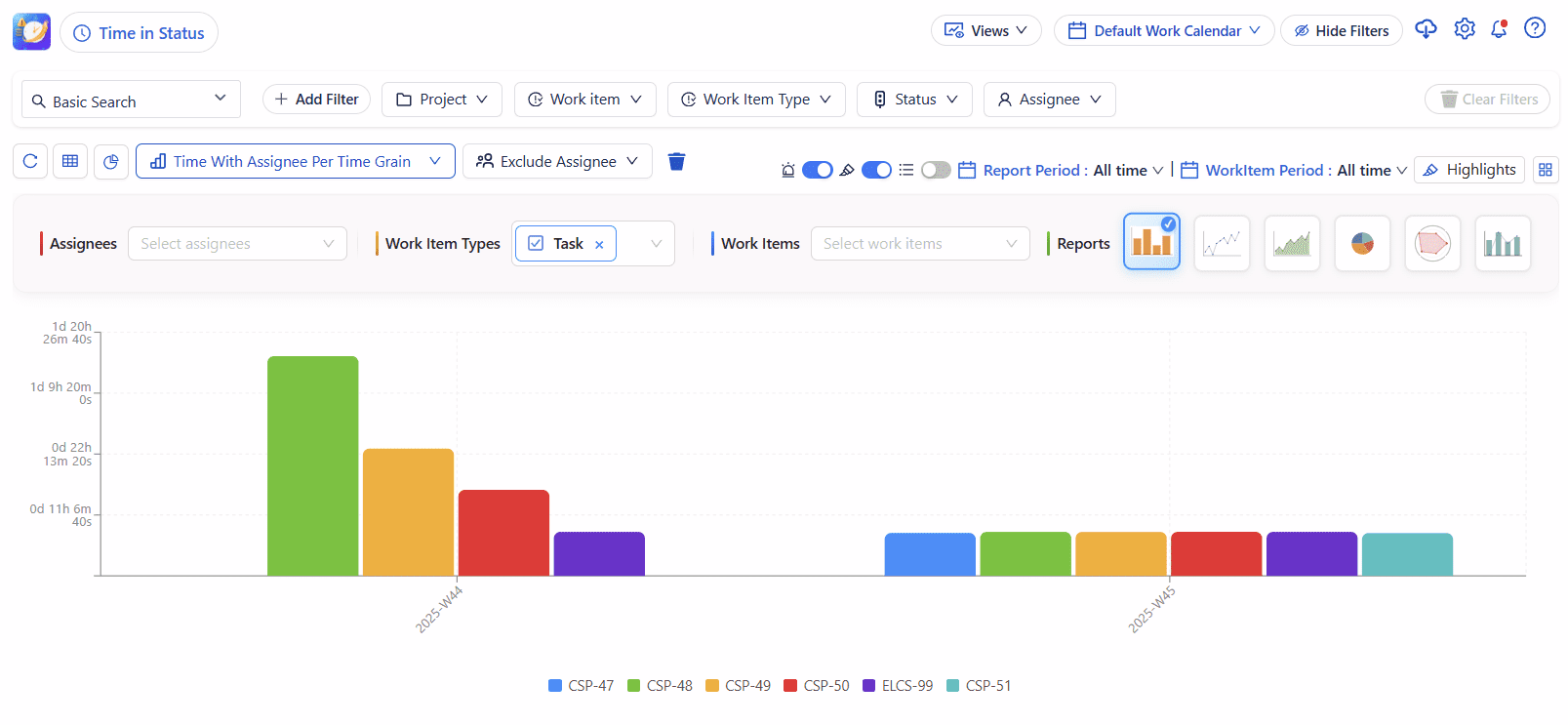
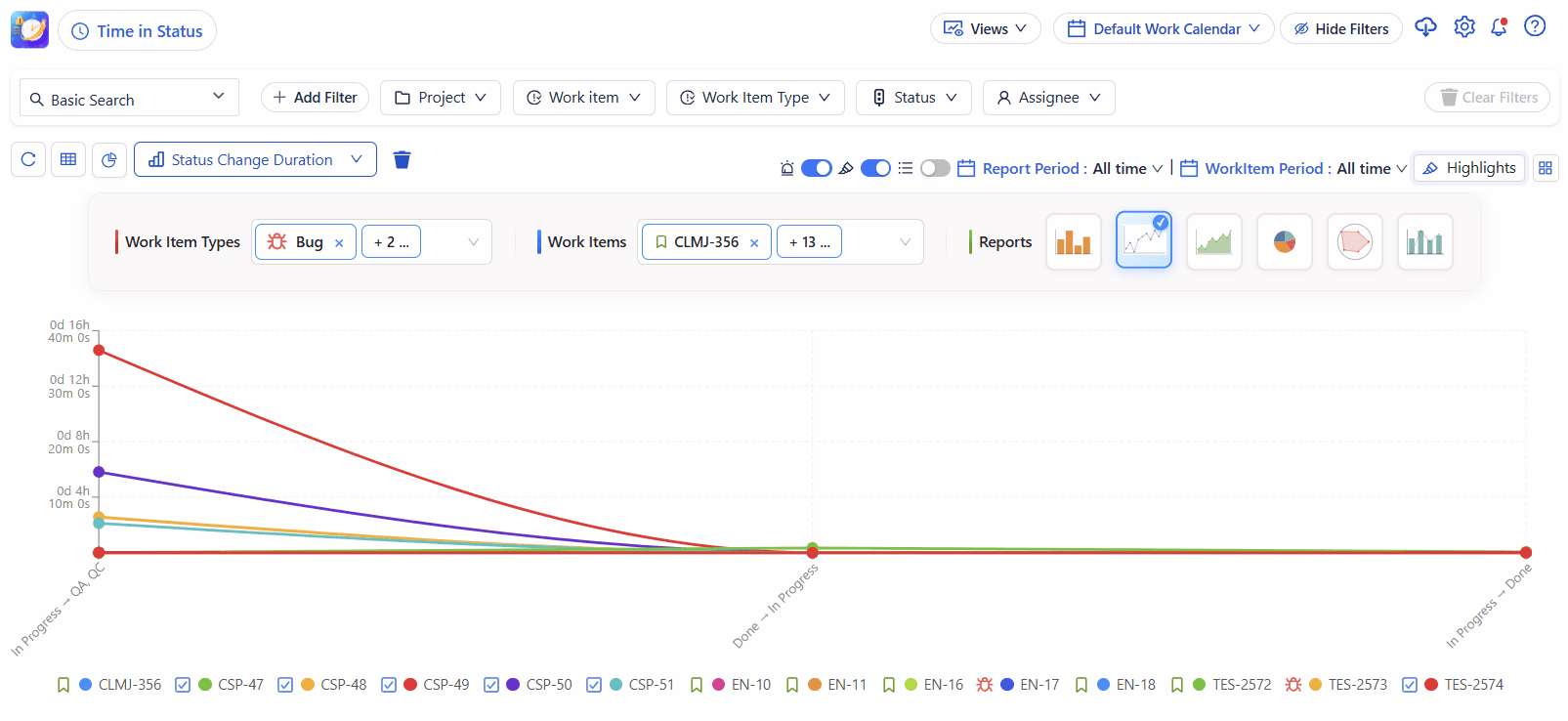
Colored Time In Status gives you answers instantly — visually, directly in your Jira board, or through more than 20 customizable reports.
Smarter Filtering, Grouping & Highlights
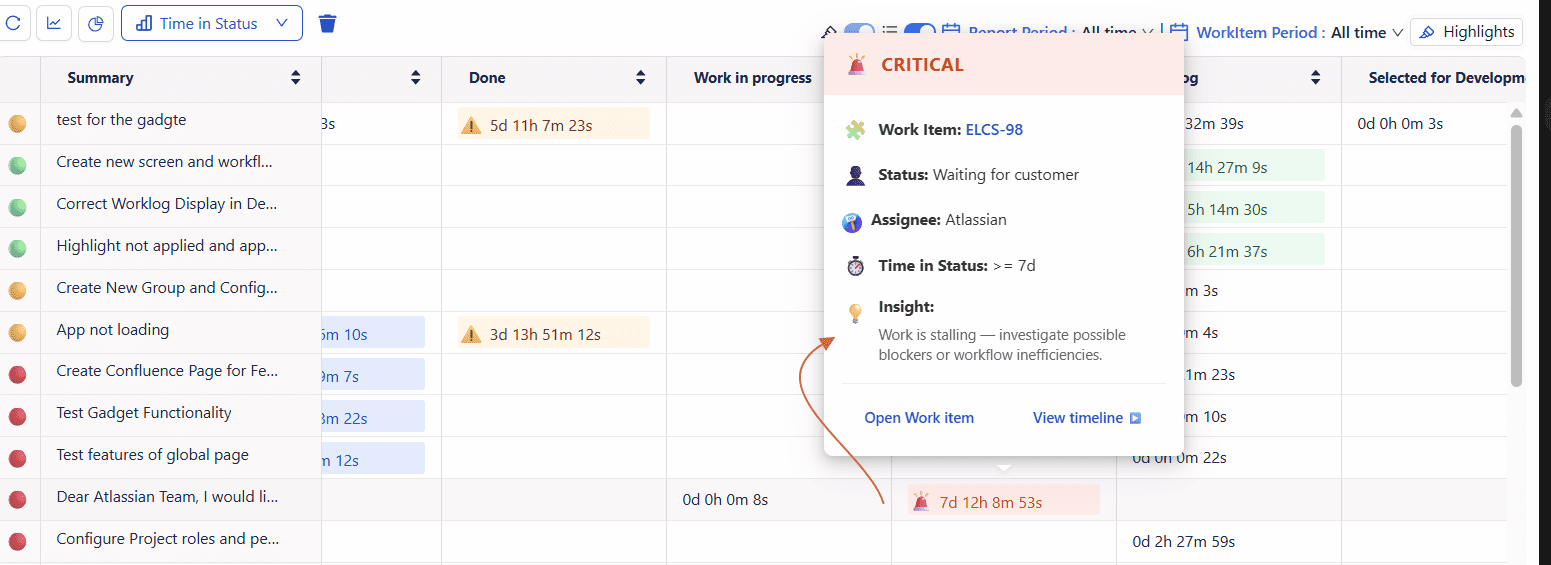
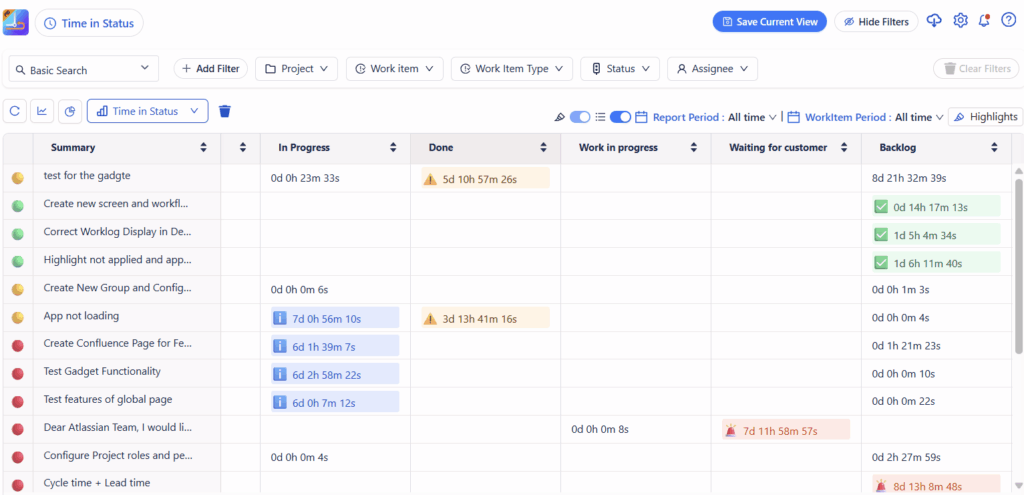
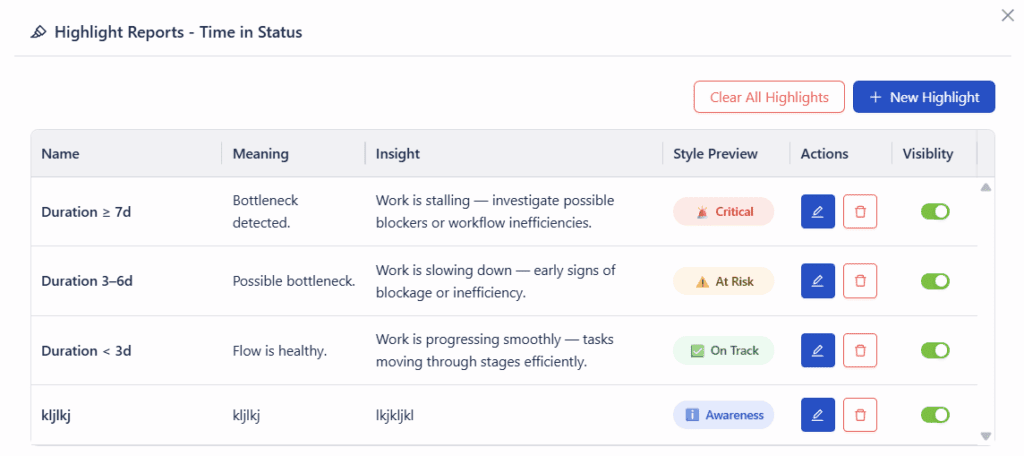
Spot Bottlenecks Instantly Each issue turns color based on how long it’s been in its current status:
- 🟢 On track
- 🟡 At risk
- 🔴 Blocked or overdue
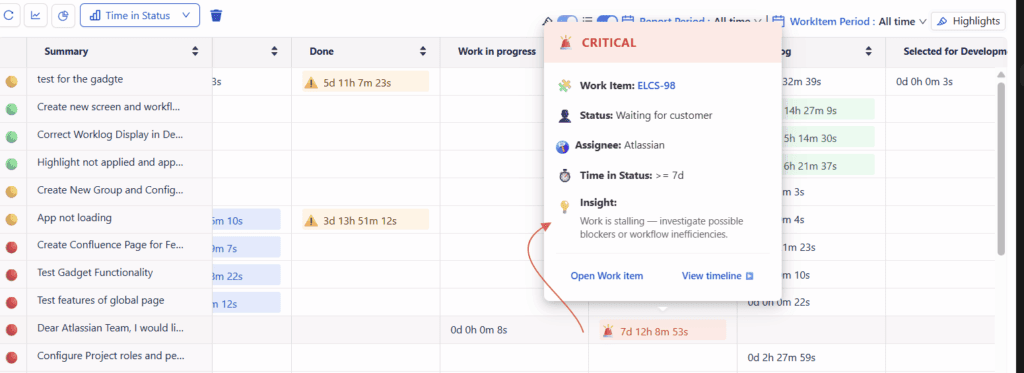
No digging into reports — just open your Jira board and see where work is stuck.


📊 20+ Ready-to-Use Reports
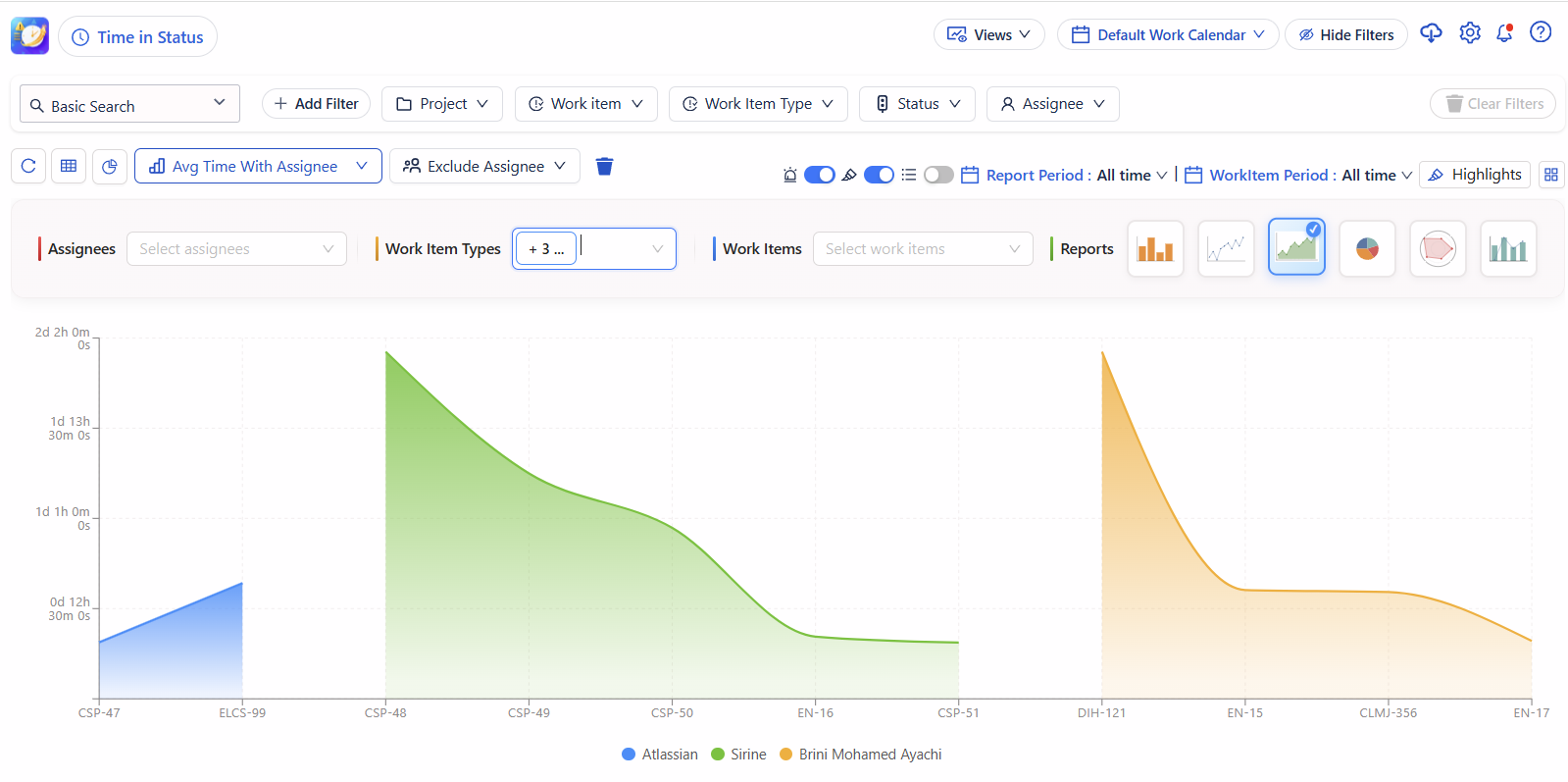
From time in status and cycle time to assignee load, transition history, and team efficiency — Deep Activity offers more than 20 reports designed to give deep visibility into your team’s performance.
Key Features
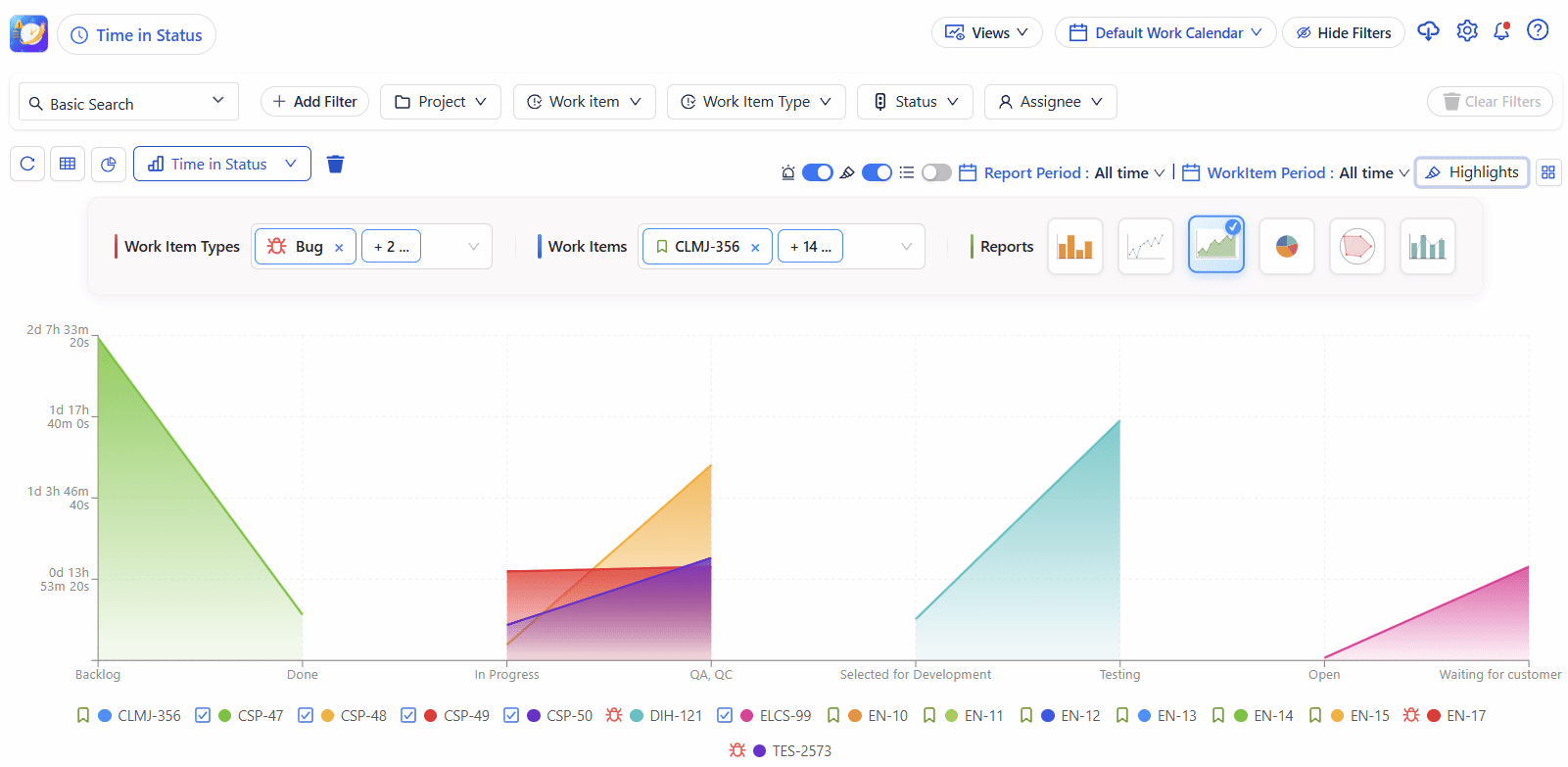
🕒 Track Time in Each Status : Automatically calculate how long issues stay in every workflow status from “To Do” to “Done.”
📈 Analyze Cycle & Lead Time : Discover your real process duration and identify bottlenecks in your delivery flow.
📊 Visual Reports & Dashboards : Use gadgets on dashboards, export to Excel or Google Sheets, or filter by project, assignee, sprint, or label.
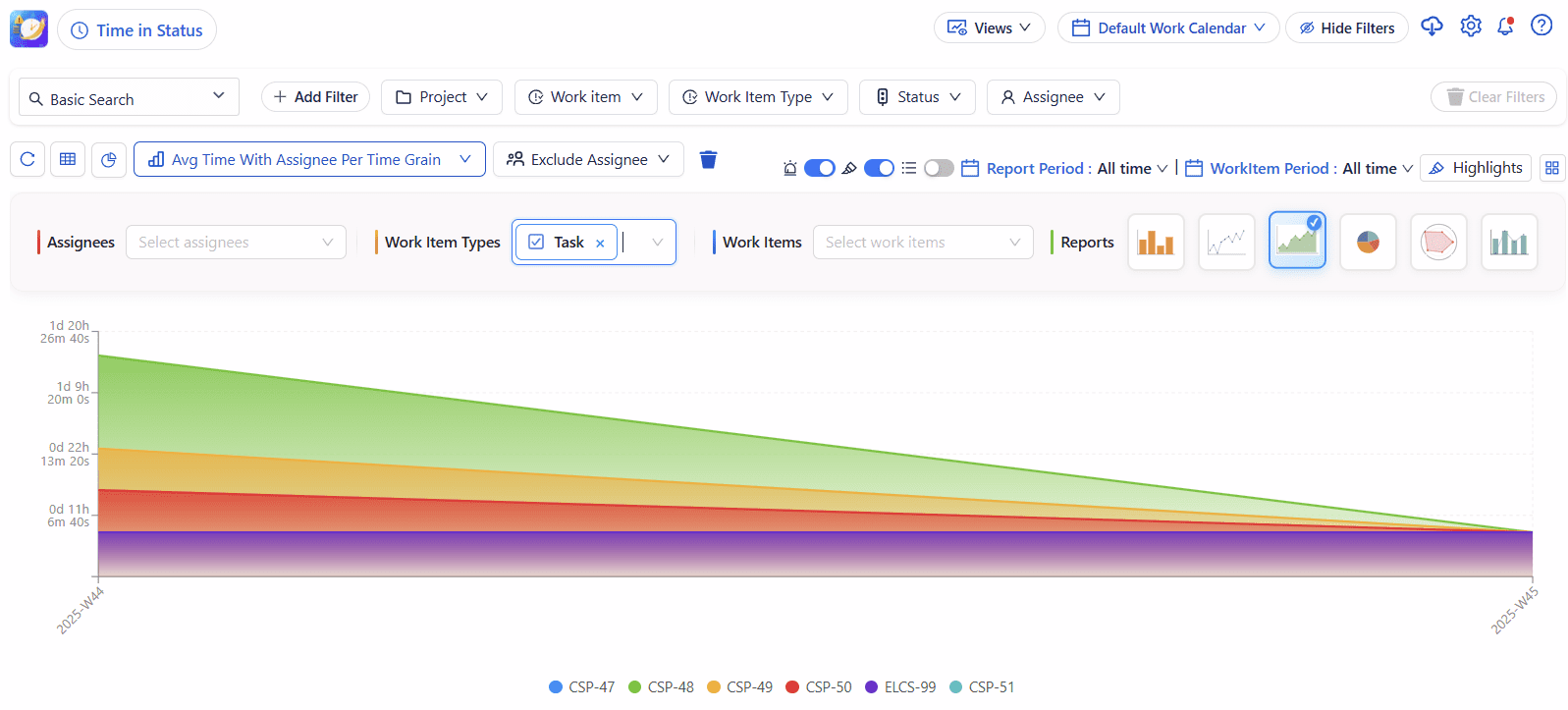
🧮 Calculate Averages and Medians : Find trends over time: average resolution time, average waiting time, and more.
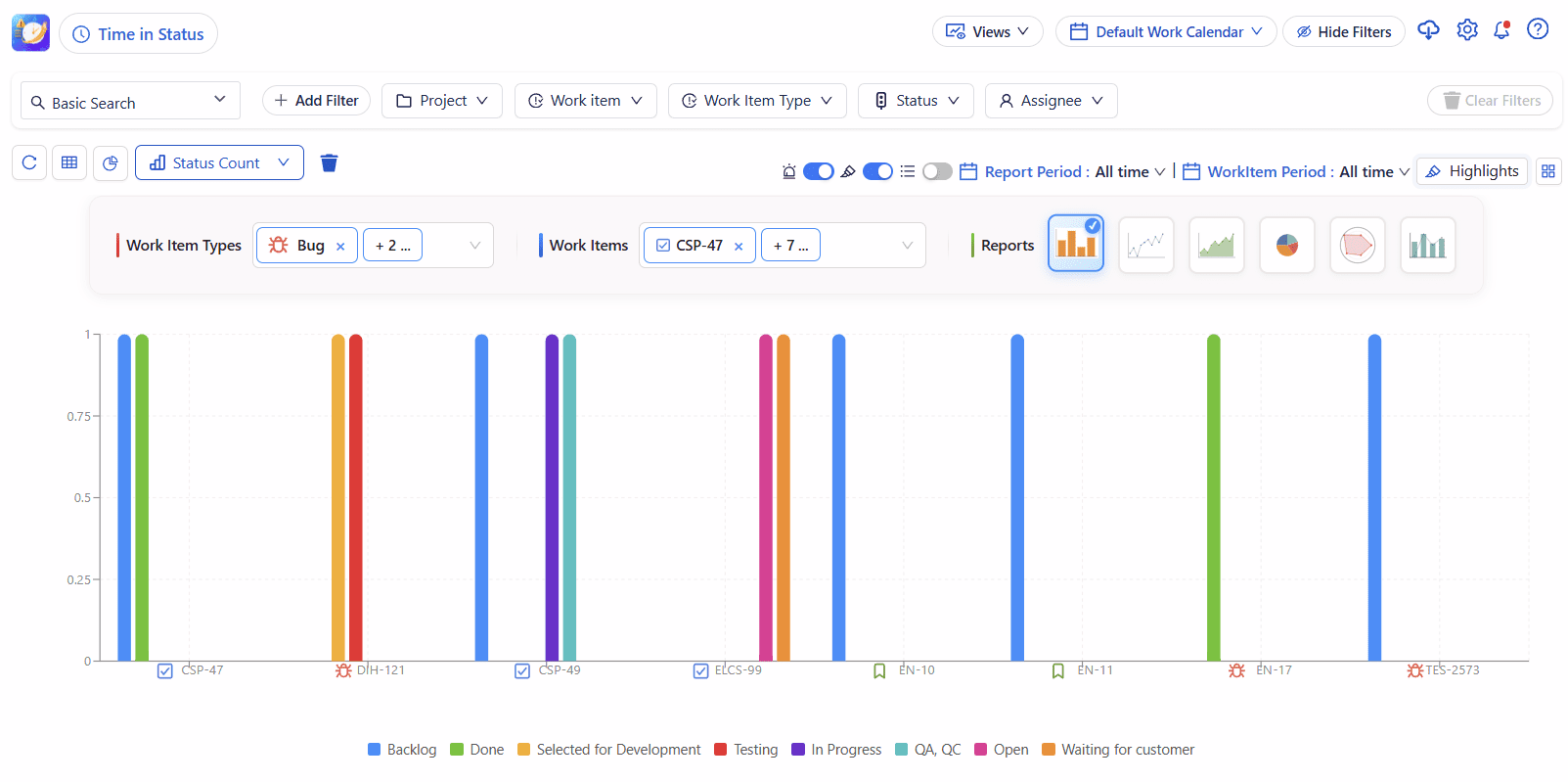
🔁 Count Status and Transitions :See how many times each issue changes status — a great metric for rework or instability.
Flexible Configuration: Select projects, filters, or JQL , Include/exclude statuses or transitions & Group by assignee, sprint, or issue type


Integrates Seamlessly with Jira
Works with company-managed and team-managed projects & Supports Jira Software, Service Management, and Business projects.
Quality speaks itself

Labels , Component or Custom Field Which one is best for your company ?


H&B Proves That Colored Label Manager is for Business Teams as well as Devs