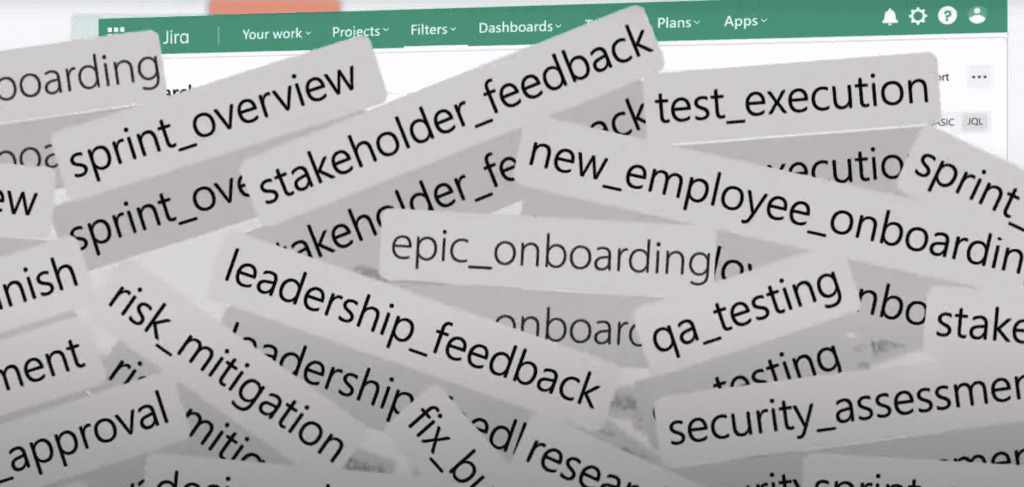
At scale, labels don’t just get messy they lose their value.
Jira does not provide a reliable way to:

Jira doesn’t treat labels as first-class reporting data.
With built-in reports, you can:
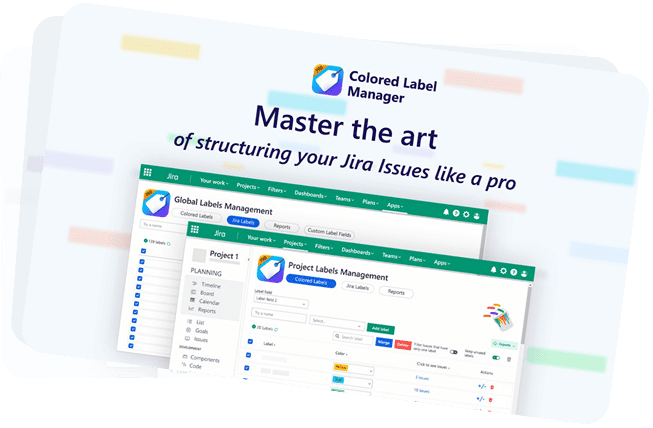
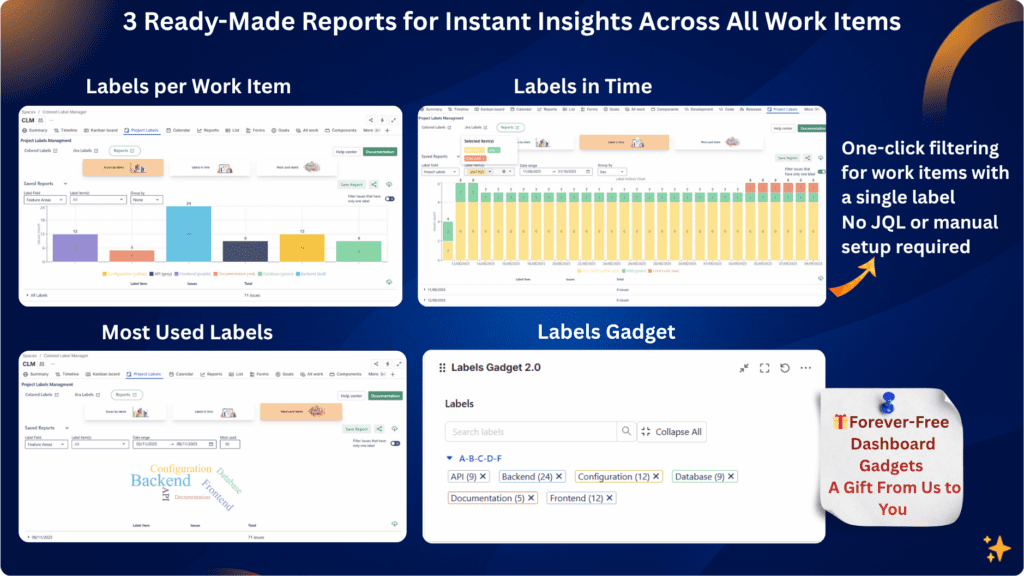
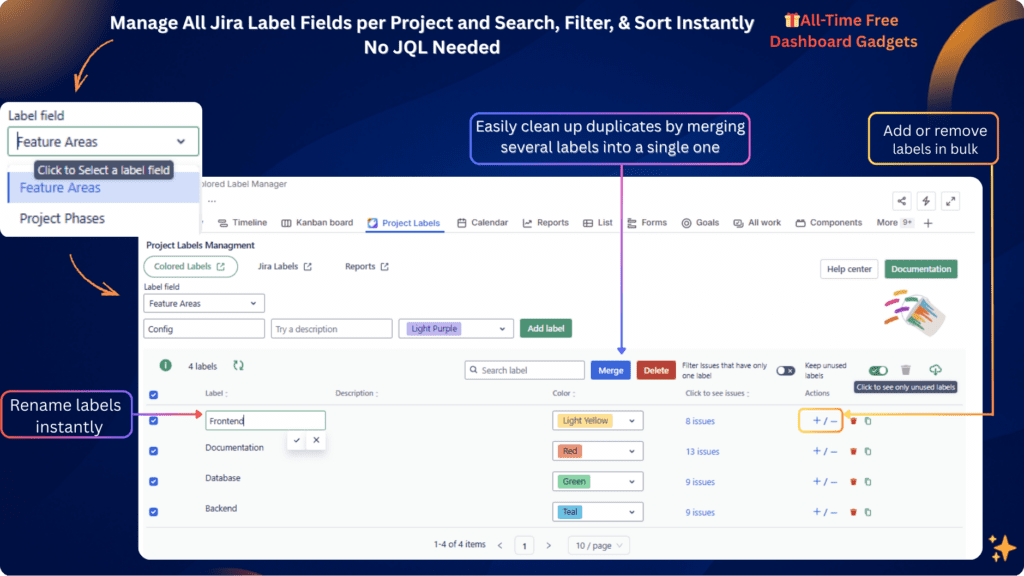
Colored Label Manager adds real, visual label reports without complex queries or manual work.
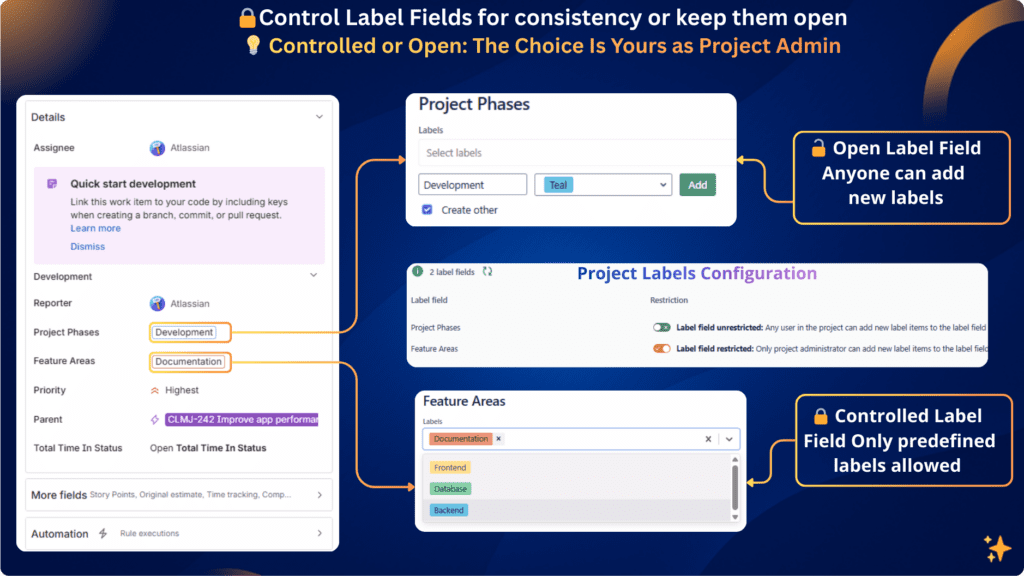
Colored Label Manager gives admins real control without turning labels into rigid fields.

No more guessing where labels are used or how many exist.


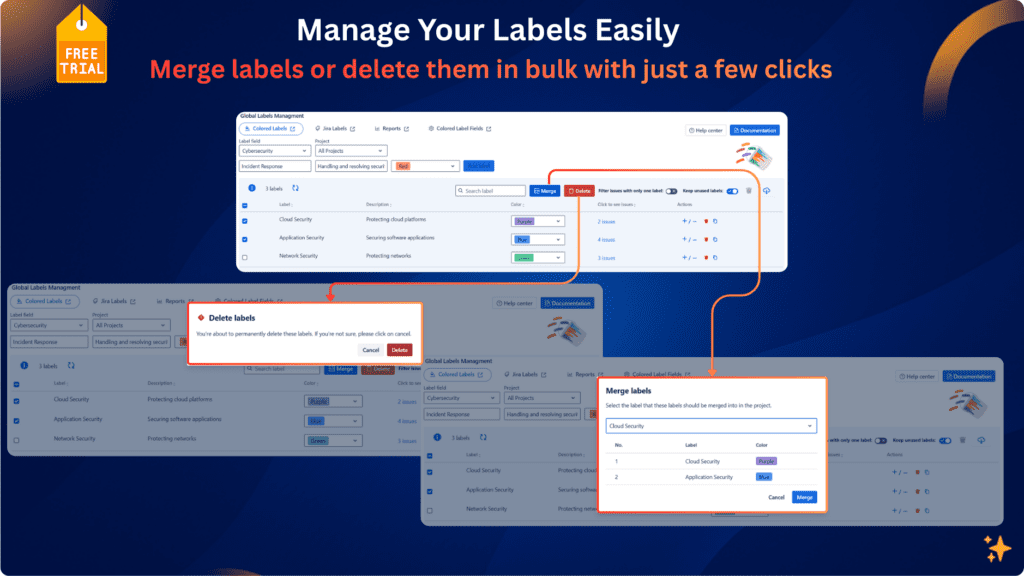
With full visibility, cleanup is safe, deliberate, and reversible.
Colors don’t replace governance they reinforce it visually.
| Capability | Jira | Colored Label Manager |
|---|---|---|
| Manage all label fields centrally | ❌ | ✅ |
| Restrict label creation | ❌ | ✅ |
| Per-project label control | ❌ | ✅ |
| Label cleanup (merge / remove) | ❌ | ✅ |
| Advanced label filtering | ❌ | ✅ |
| Label reports | ❌ | ✅ |
| Label-based dashboards | ❌ | ✅ |
| Find single-label work items | ❌ | ✅ |
| Consistent label color control | ❌ Random / uncontrolled | ✅ Defined and consistent |
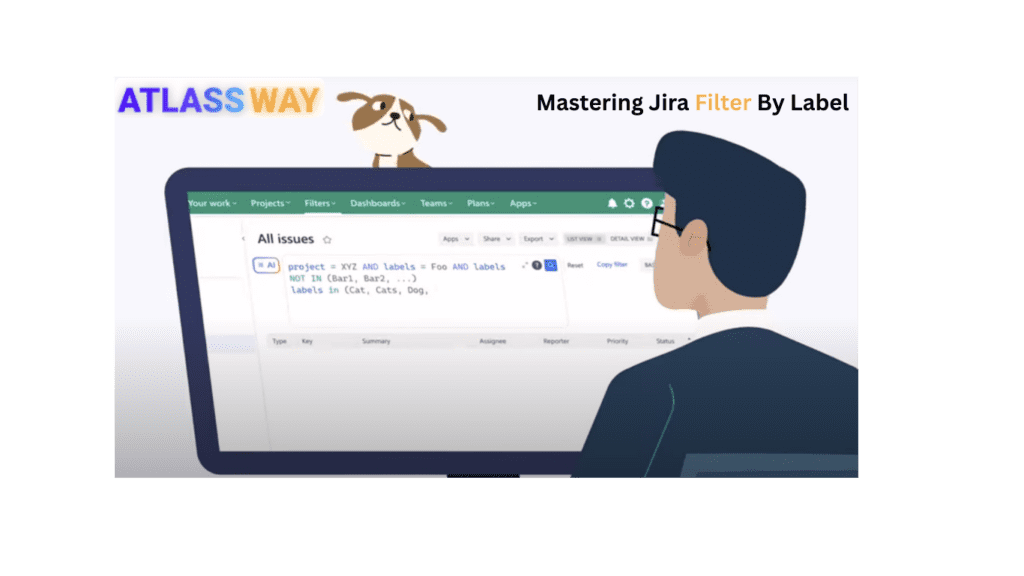
JQL works for simple searches, but it quickly breaks down at scale. It cannot reliably answer questions like “which work items have only one specific label”, “which labels are unused”, or power clear label dashboards. Colored Label Manager provides accurate label filtering and reports without complex or fragile JQL.
No. Colors are the final visibility layer. The core value is label control, cleanup, filtering, dashboards, and reporting. Colors simply make structured labels easier to read and understand.
Yes. Colored Label Manager allows you to use any label field like a select list, where only predefined labels can be selected. This prevents duplicates, typos, and inconsistent naming while keeping the flexibility of labels
Yes. You can choose restricted or open label mode per project and per label field, allowing governance where needed and flexibility where required.
Yes. Colored Label Manager supports the system Labels field and any number of custom label fields, all of which can be configured independently per project.
Yes. It works with Jira Software and Jira Service Management, for both company-managed and team-managed projects.
Yes. The label dashboard gadget is completely free and continues to work even after the trial ends. You can keep using it for label visibility and dashboards without any disruption.
Jira admins create the field , project admins define rules and visibility, while teams continue using labels naturally. This removes manual policing and keeps labels consistent and reliable.
Whether you call them labels or tags, one thing is clear: Jira doesn’t give teams the tools to manage them properly.
Colored Label Manager gives you:No migration. No disruption. Just the label management layer Jira has always been missing.