
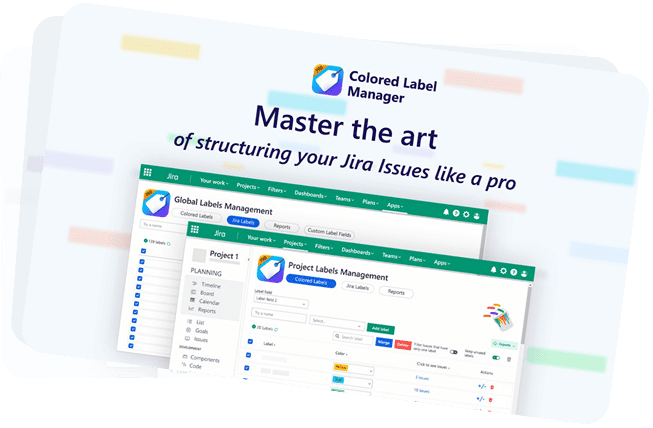


LABEL MANAGER FOR JIRA
Control, filter, and report on Jira labels (tags) globally and per projects
Jira labels are powerful, but Jira doesn’t give you the tools to manage them. Colored Label Manager adds the missing layer for label control, dashboards, and reporting without changing how your teams work.
- Jira Software & Jira Service Management
- Company-managed & team-managed projects
- Includes a free dashboard gadget
Labels, tags, keywords it’s the same thing
Jira calls them labels.
Most teams think of them as tags.
No matter the name, the challenge is identical: once teams start using labels (tags) at scale, they become hard to control, hard to clean, and hard to analyze.
Colored Label Manager helps you manage labels and tags consistently globally and per project without changing how your teams work.
Let’s Discover Label Manager features in just 60 seconds !
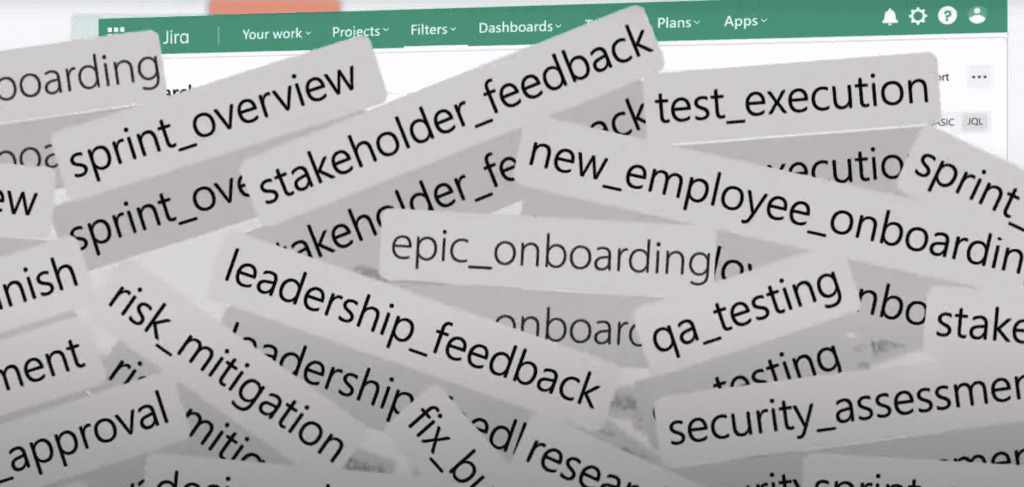
WHY JIRA LABELS QUICKLY BECOME CHAOTIC
Jira labels start with good intentions and then reality sets in.
- Anyone can create new labels at any time → duplicates, typos, inconsistent naming
- There is no built-in way to manage or restrict label creation
- Labels grow organically across projects with no global overview
- Filtering by label is limited and often confusing
- Dashboards don’t surface meaningful label data
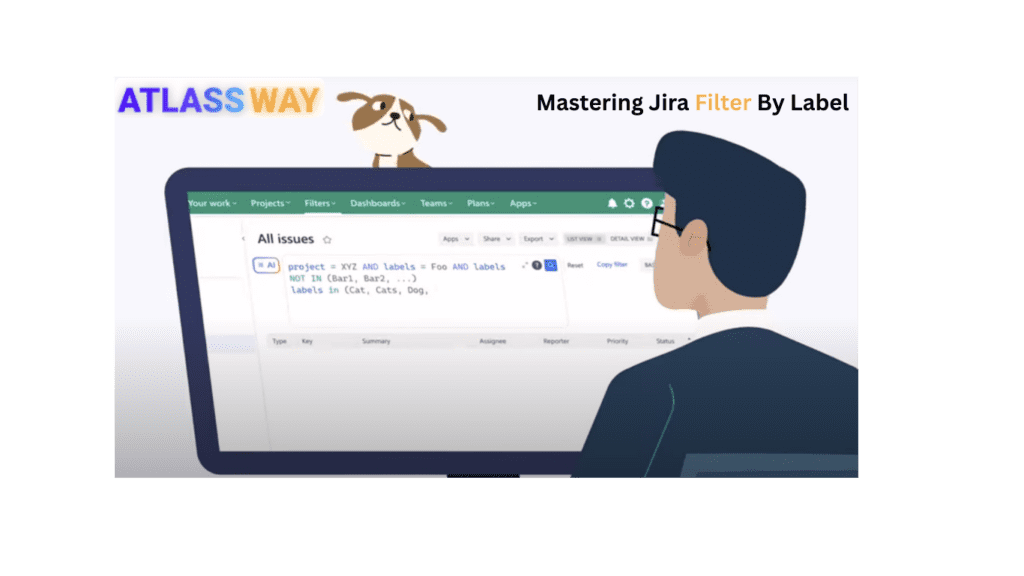
- Label reporting requires complex JQL — and still misses key cases
- Over time, teams stop trusting labels altogether
At scale, labels don’t just get messy they lose their value.
Finally filter and visualize Jira work items by label
This is where most teams hit Jira’s hard limit.
Jira does not provide a reliable way to:
- Filter work items by label at scale
- Build meaningful label-based dashboards
- Answer simple questions like: “Which work items have only this label?”
Trying to solve this with JQL leads to:
- Complex, fragile queries
- Incomplete results
- Dashboards teams don’t trust
Colored Label Manager Fixes this
Jira does not provide a reliable way to:
- Filter work items by single label, multiple labels, or missing labels
- Instantly understand label distribution per project
- Turn labels into something teams can actually rely on
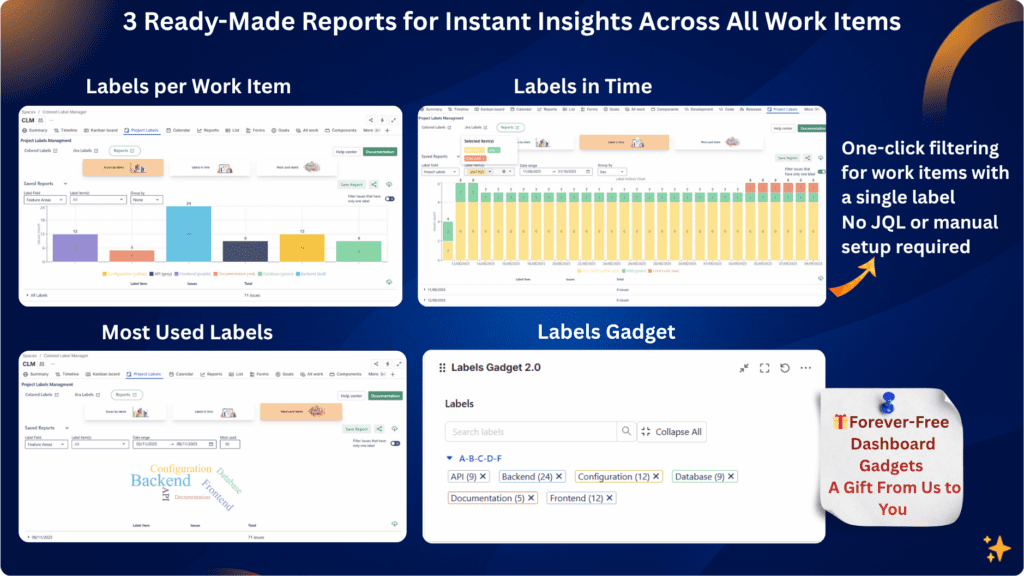
Free Label Dashboard Gadget for visibility
- Visualize label distribution at a glance
- No complex queries (JQL)
- No workarounds

Real label reports Jira never gave you
If you’ve tried to report on Jira labels, you already know the problem:
Jira doesn’t treat labels as first-class reporting data.
With built-in reports, you can:
- See label usage per project or globally
- Identify unused or obsolete labels
- Understand label distribution instantly
- Find work items with only one specific label
Label reports turn labels from free-text metadata into reliable signals.
Colored Label Manager adds real, visual label reports without complex queries or manual work.
Take Control of label creation and usage
Labels only work when they are consistent and intentional.
Colored Label Manager gives admins real control without turning labels into rigid fields.
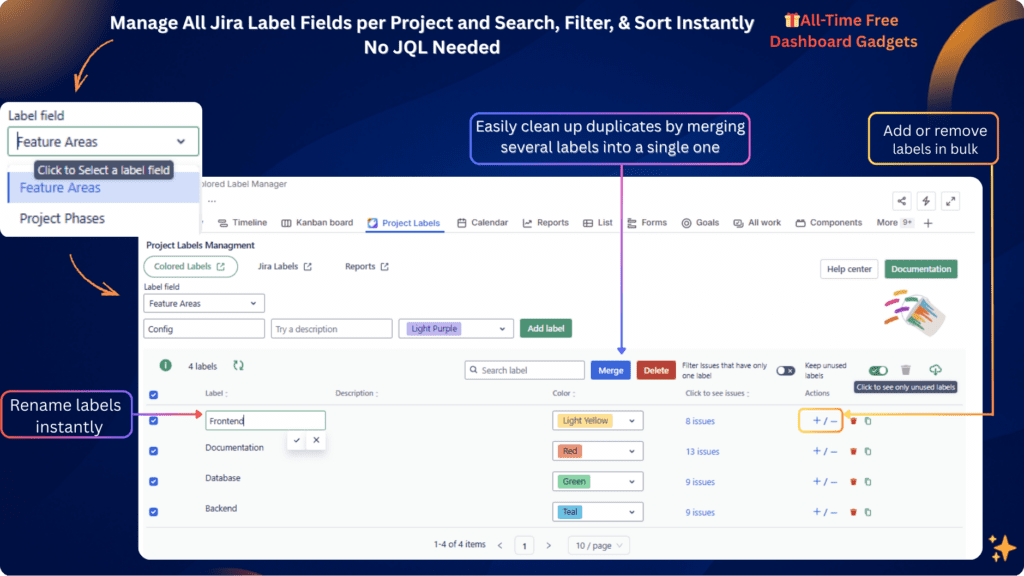
Manage all Jira label fields in one place
- System Labels field
- Custom label fields
- Understand label distribution instantly
- One centralized Label Management interface

No more guessing where labels are used or how many exist.
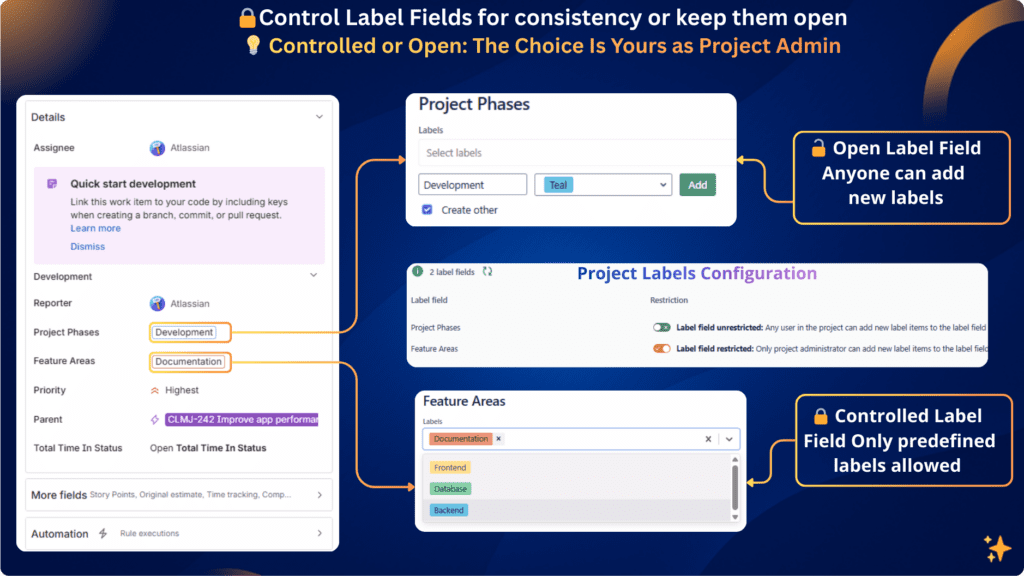
Choose how labels behave per project & per field
- 🔒 Restricted mode : Only project administrators can define allowed labels → Prevents duplicates, typos, and label chaos
- 🔓 Open mode : Teams can continue adding new labels freely → Preserves flexibility when needed


This lets you balance governance and autonomy project by project.
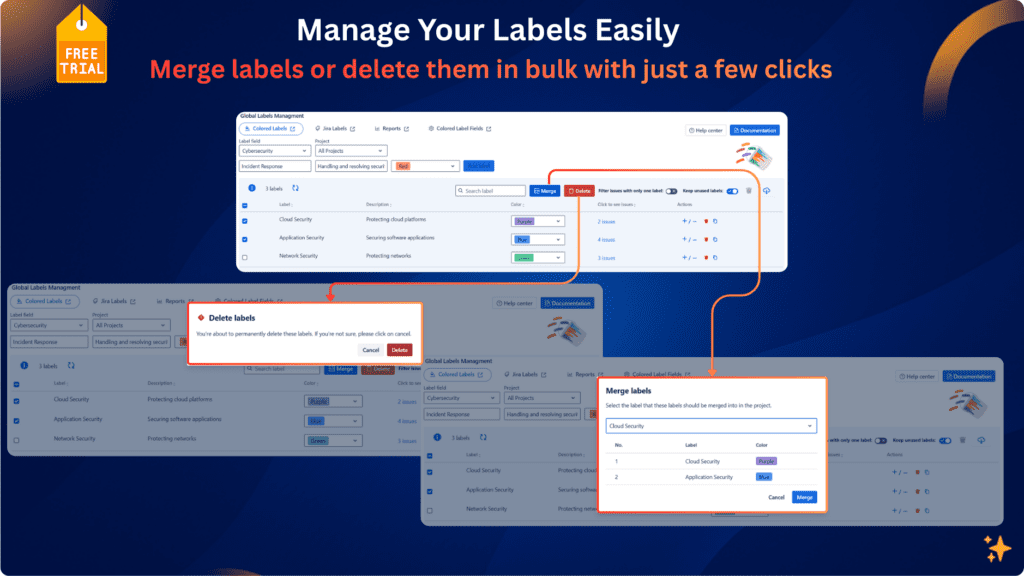
Clean up and standardize with confidence
- Identify unused and obsolete labels
- Reduce label duplication
- Improve consistency across projects

With full visibility, cleanup is safe, deliberate, and reversible.
Color-code labels for instant clarity
Once labels are structured and under control, color makes them useful at a glance.
With Colored Label Manager, you can:
- 🎨Apply consistent colors to labels
- 👀 Scan work items faster
- ✅ Instantly recognize themes, categories, or priorities
- 📌 Improve readability in issues, boards, and reports
Colors don’t replace governance they reinforce it visually.
JIRA VS A REAL LABEL MANAGER
Jira labels are flexible but flexibility without control quickly becomes unmanageable. Here’s how native Jira compares to a real label management layer:
| Capability | Jira | Colored Label Manager |
|---|---|---|
| Manage all label fields centrally | ❌ | ✅ |
| Restrict label creation | ❌ | ✅ |
| Per-project label control | ❌ | ✅ |
| Label cleanup (merge / remove) | ❌ | ✅ |
| Advanced label filtering | ❌ | ✅ |
| Label reports | ❌ | ✅ |
| Label-based dashboards | ❌ | ✅ |
| Find single-label work items | ❌ | ✅ |
| Consistent label color control | ❌ Random / uncontrolled | ✅ Defined and consistent |
If labels matter to your team, Jira alone is not enough.
JQL works for simple searches, but it quickly breaks down at scale. It cannot reliably answer questions like “which work items have only one specific label”, “which labels are unused”, or power clear label dashboards. Colored Label Manager provides accurate label filtering and reports without complex or fragile JQL.
No. Colors are the final visibility layer. The core value is label control, cleanup, filtering, dashboards, and reporting. Colors simply make structured labels easier to read and understand.
Yes. Colored Label Manager allows you to use any label field like a select list, where only predefined labels can be selected. This prevents duplicates, typos, and inconsistent naming while keeping the flexibility of labels
Yes. You can choose restricted or open label mode per project and per label field, allowing governance where needed and flexibility where required.
Yes. Colored Label Manager supports the system Labels field and any number of custom label fields, all of which can be configured independently per project.
Yes. It works with Jira Software and Jira Service Management, for both company-managed and team-managed projects.
Yes. The label dashboard gadget is completely free and continues to work even after the trial ends. You can keep using it for label visibility and dashboards without any disruption.
Jira admins create the field , project admins define rules and visibility, while teams continue using labels naturally. This removes manual policing and keeps labels consistent and reliable.
Stop fighting Jira labels
Whether you call them labels or tags, one thing is clear: Jira doesn’t give teams the tools to manage them properly.
Colored Label Manager gives you:- ✅ Control over label creation
- ✅ Clear filtering and reliable reports
- ✅ Label-based dashboards for visibility
- ✅ Clean, consistent, color-coded labels
- ✅ Governance without killing flexibility
No migration. No disruption. Just the label management layer Jira has always been missing.
Used by companies managing Jira labels at scale
They trust us
Quality speaks itself


Private: Essential Tips for Organizing Projects with Labels in Jira

How to add Colorful Labels in Jira issues to Enhance Productivity